Basic Program Structure
Before we start writing our own package, it’s helpful to see Par in action in the playground.
Let’s open it:
$ par playground
Press Compile, then open Run → Packages → core → Int → Add:
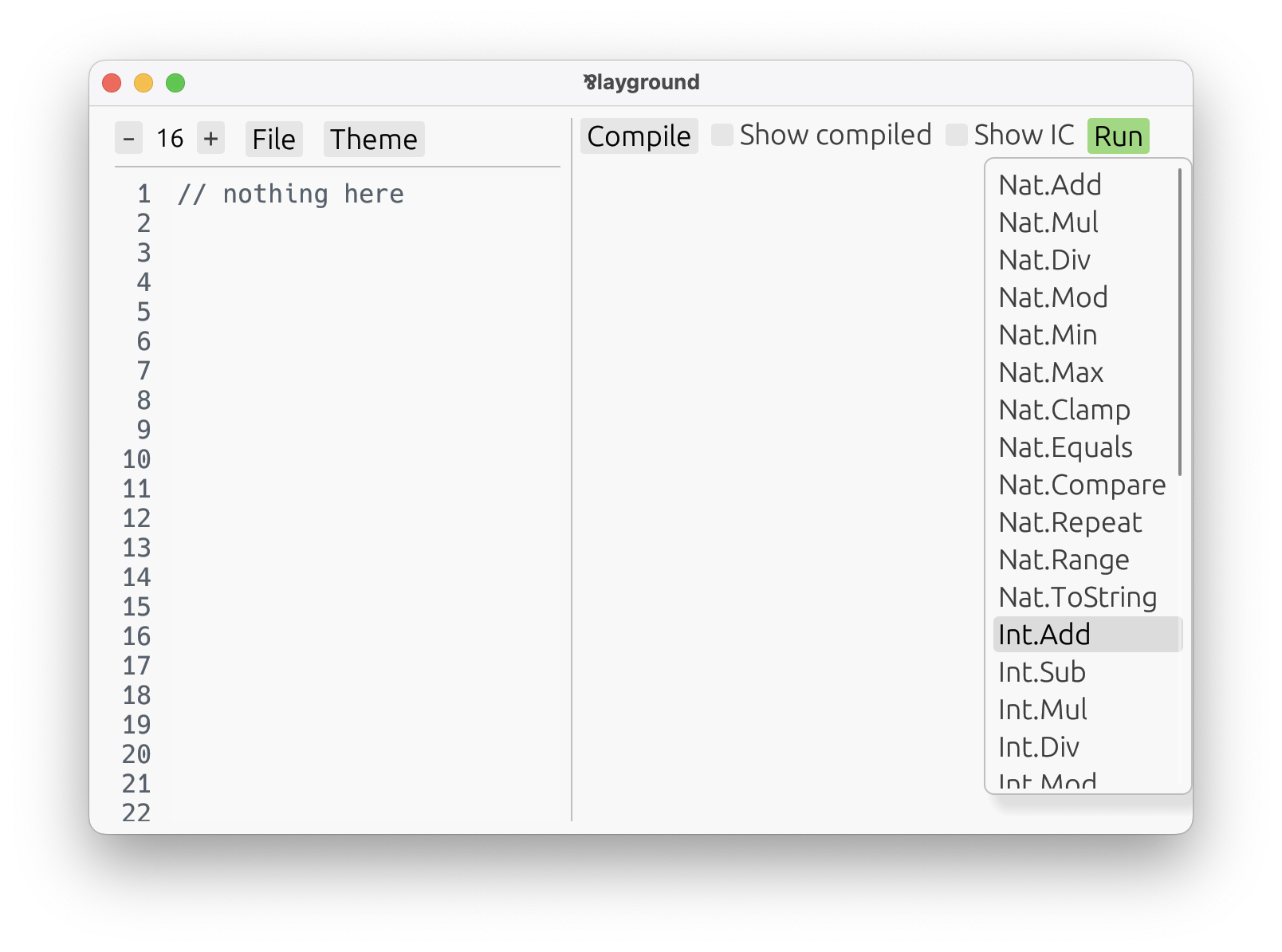
That picks the built-in Int.Add definition from the core package:
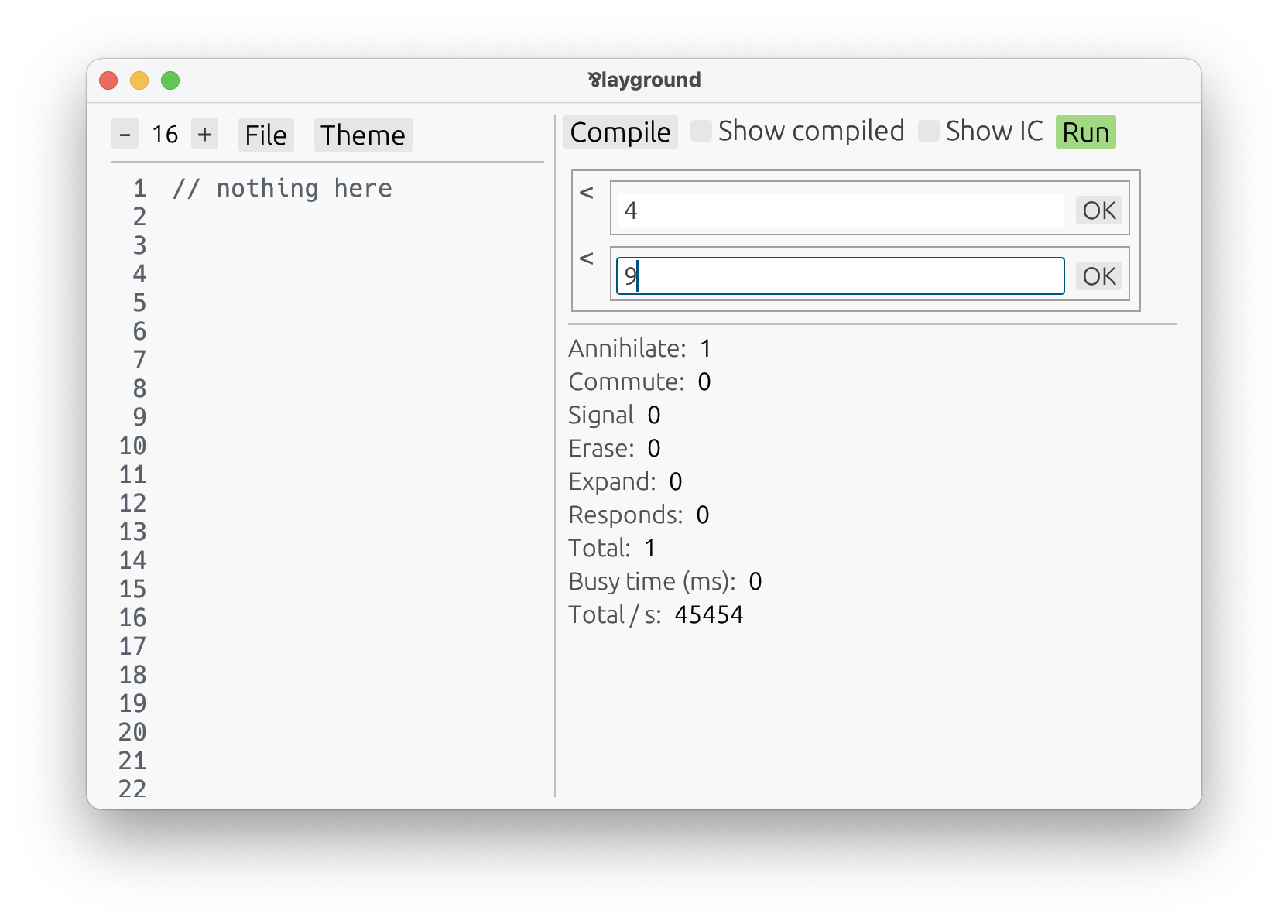
An automatic UI shows up, telling us to input two numbers. After confirming both inputs, we get a result:
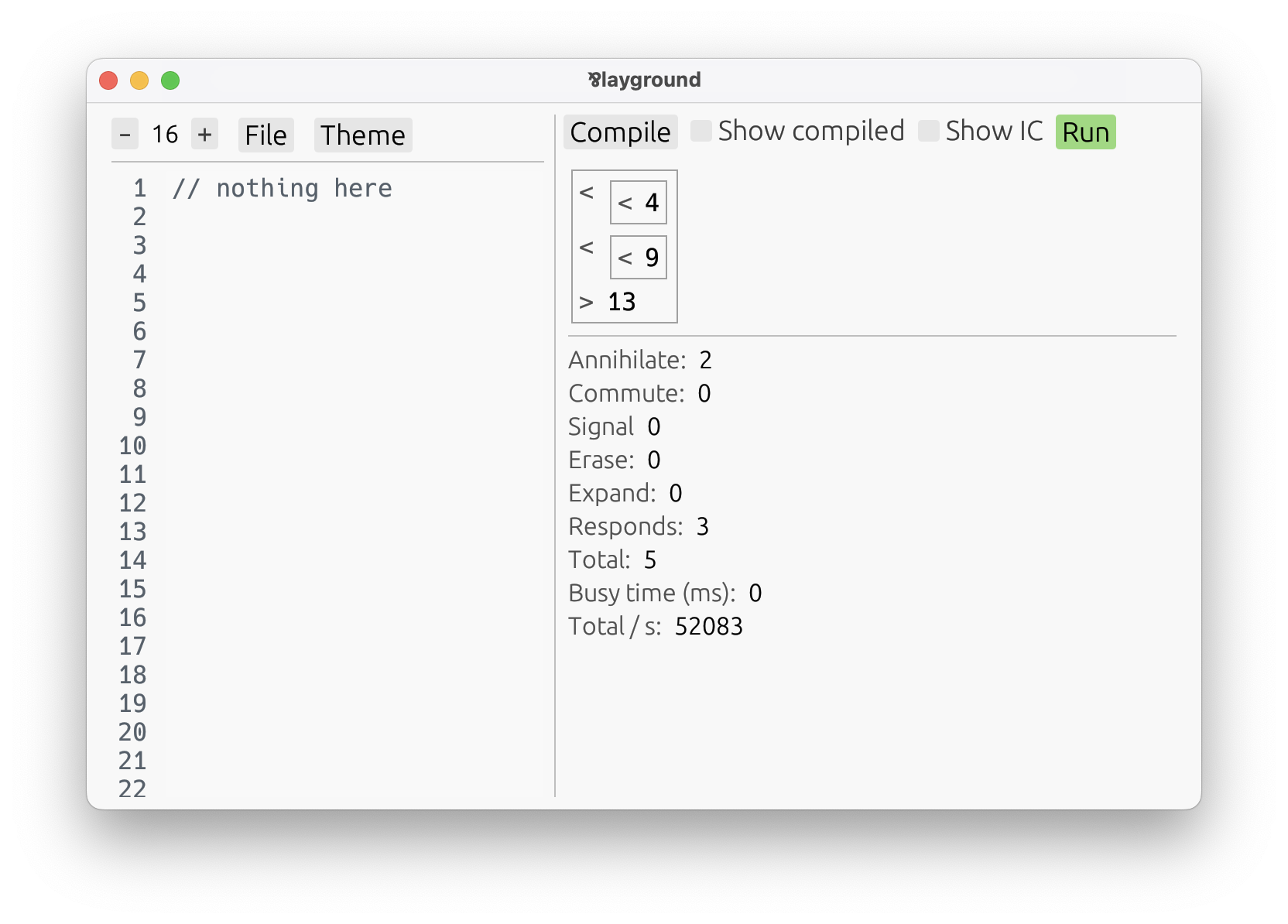
This automatic UI is a feature of the playground, not of the Par language itself. Nobody made a
specific interface for Int.Add. Instead, the playground looked at its type — here, a function from
two integers to an integer result — and generated a small interface for interacting with it.
That makes the playground a nice way to explore built-in definitions, and later your own definitions too.
On the next page, we’ll create a fresh package and look at what actually lives inside a Par module.