Getting Started
Let’s install the Par programming language.
At the moment, there are no pre-built binaries, or releases, so we’ll have to build it from source.
1. Install Rust and Cargo
Par is written in Rust. To be able to build it from source, we’ll need to install Rust and its build tool, called Cargo.
The easiest way to do that is via rustup. The website instructs:
Run the following in your terminal, then follow the onscreen instructions.
$ curl --proto '=https' --tlsv1.2 -sSf https://sh.rustup.rs | sh
2. Clone Par’s repository
The next step is to obtain Par’s source code. That is located on GitHub. Clone it locally by running the following in your terminal:
$ git clone https://github.com/faiface/par-lang
3. Build and install Par’s CLI tool
Navigate to the newly created directory:
$ cd par-lang
Then install the executable using Cargo:
$ cargo install --path .
This may take a while as Rust downloads and builds all the dependencies.
This installs the par command.
4. Create a package
A new par command should now be available in your terminal. It may be necessary
to restart the terminal for it to appear.
Let’s create a fresh package:
$ par new hello_par
$ cd hello_par
This creates:
hello_par/
  Par.toml
  src/
    Main.par
The generated src/Main.par is a tiny runnable Par program. You can run it with:
$ par run
And you can type-check the package without running it:
$ par check
5. Browse the docs
Par comes with a built-in docs browser:
$ par doc
This command is useful in three different situations:
- Outside any package,
par docshows the documentation for the built-in packages. - Inside a package,
par docshows the current package together with its dependencies. - For a remote package,
par doc --remote github.com/faiface/par-cancellablelets you inspect a package without manually adding it as a dependency.
6. Open the playground
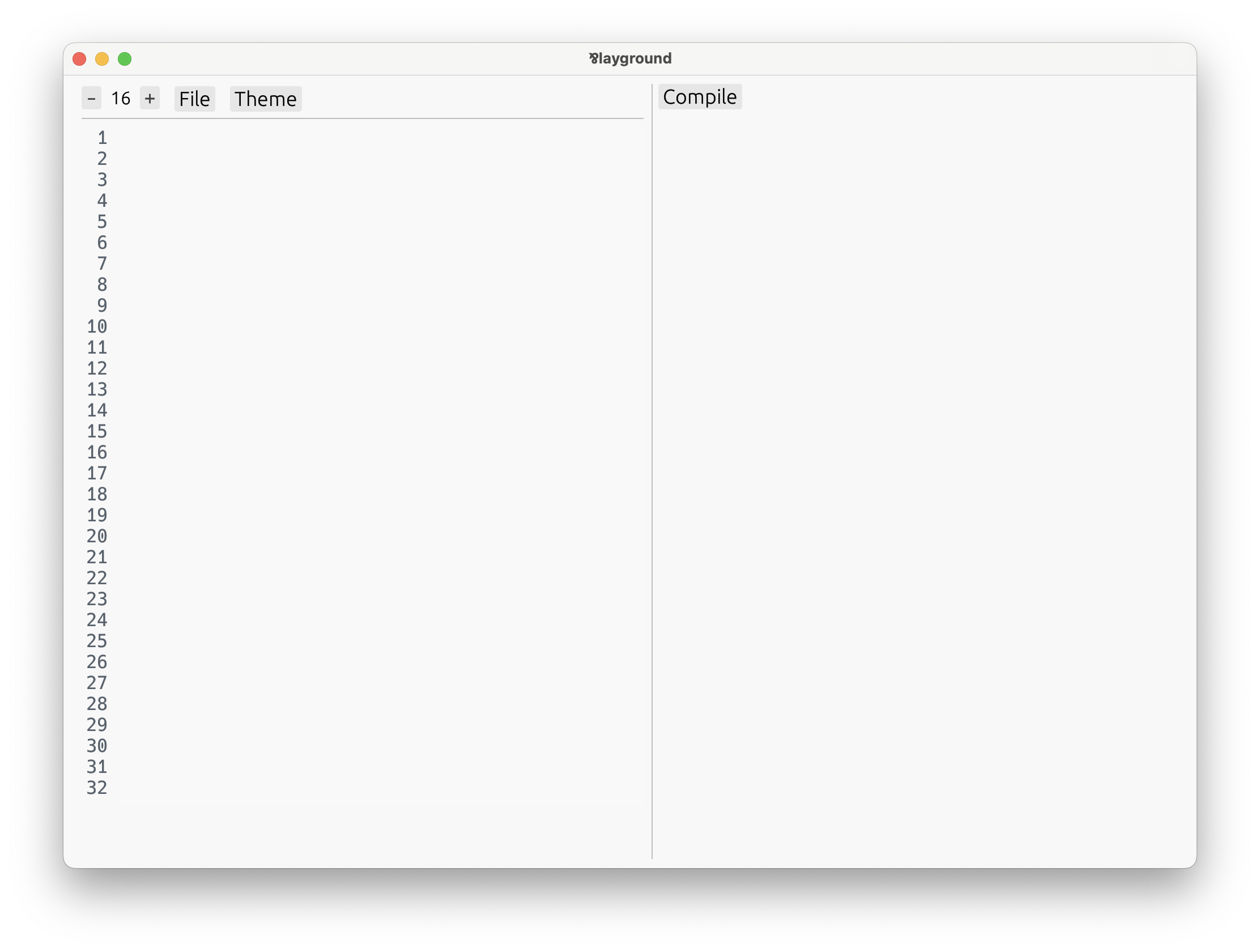
The playground is a great way to experiment with code and interact with values through the playground’s automatic UI:
$ par playground
And the playground should appear:
If all is good, turn the page and let’s get into the language itself!
In case of problems, head over to our Discord, we’ll try and help.